


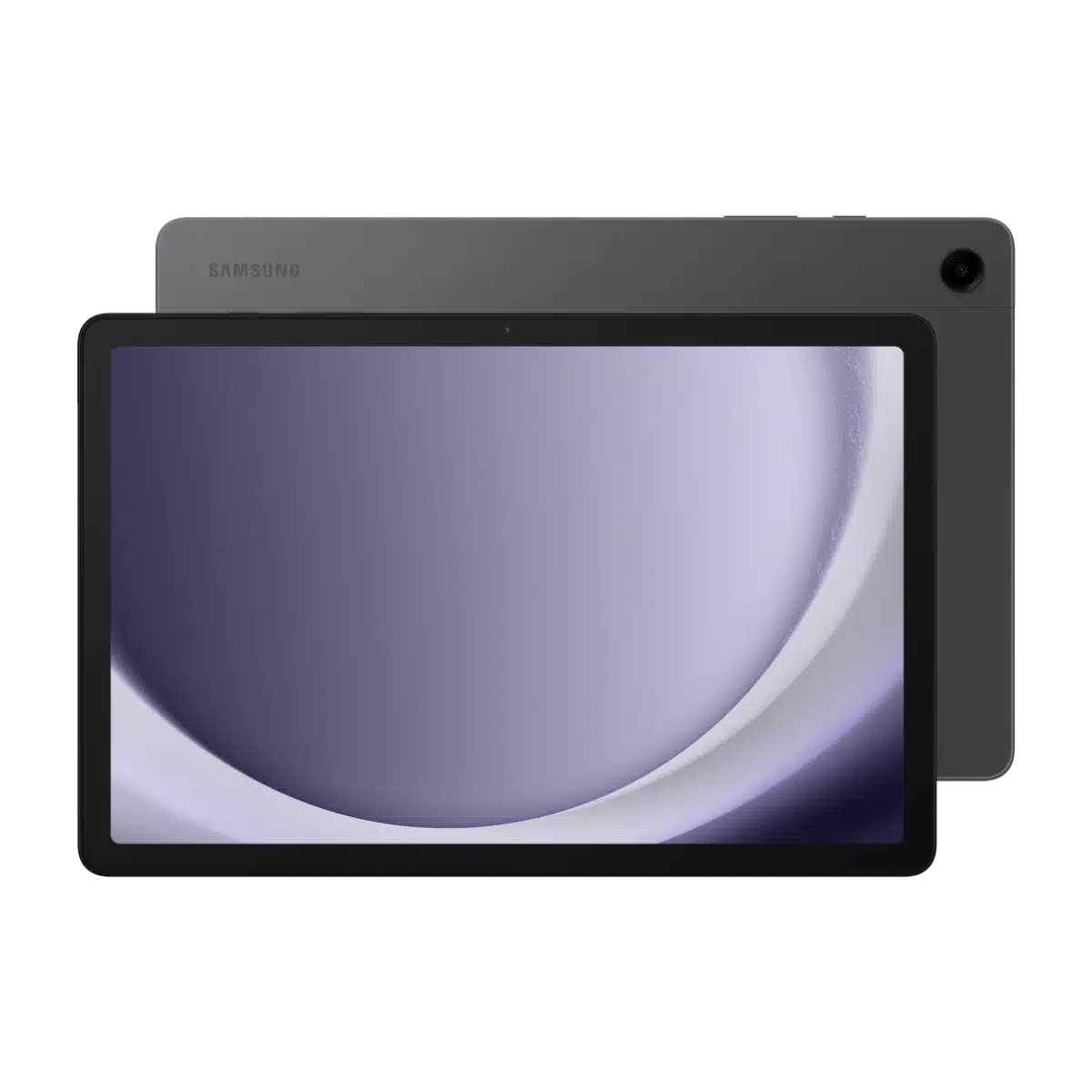
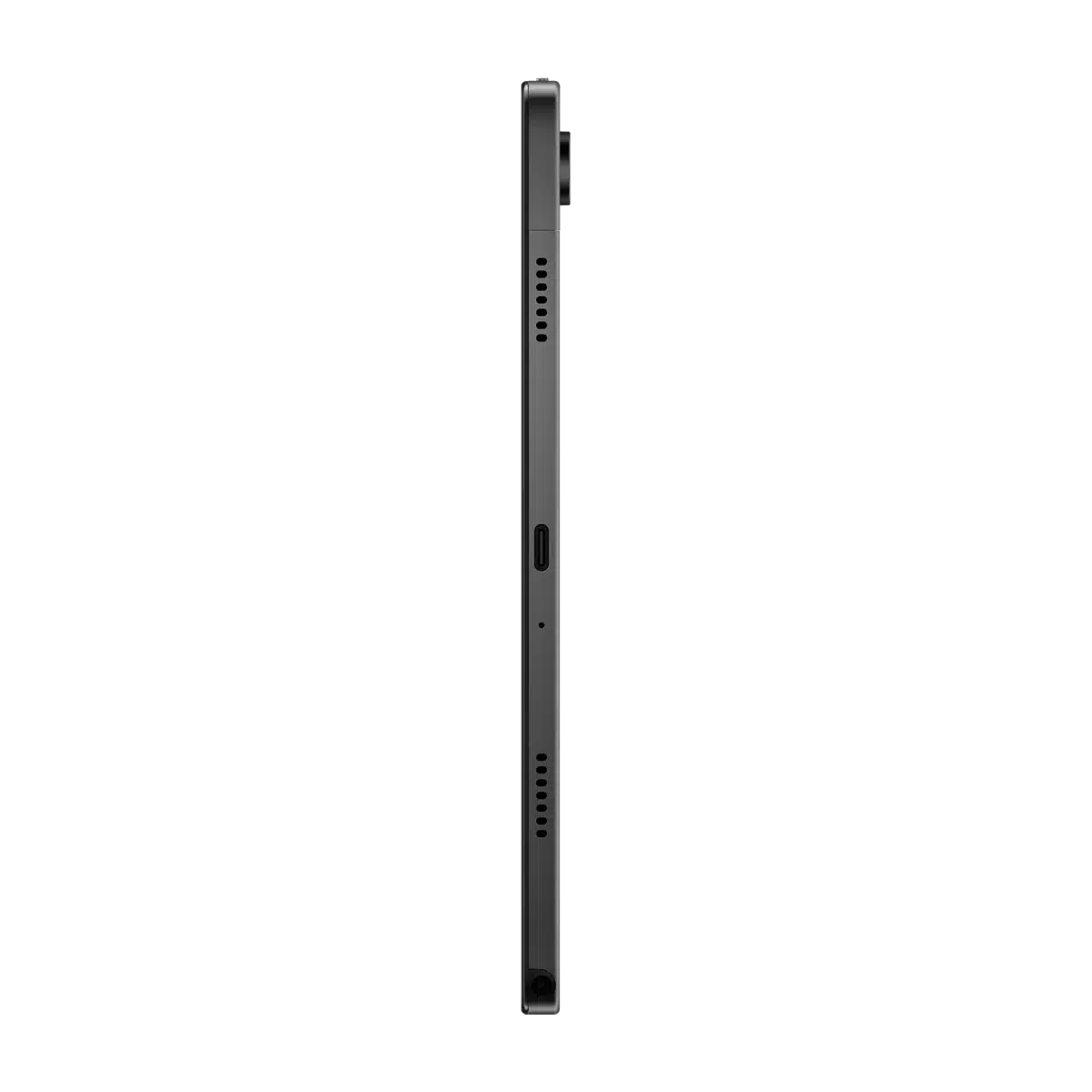
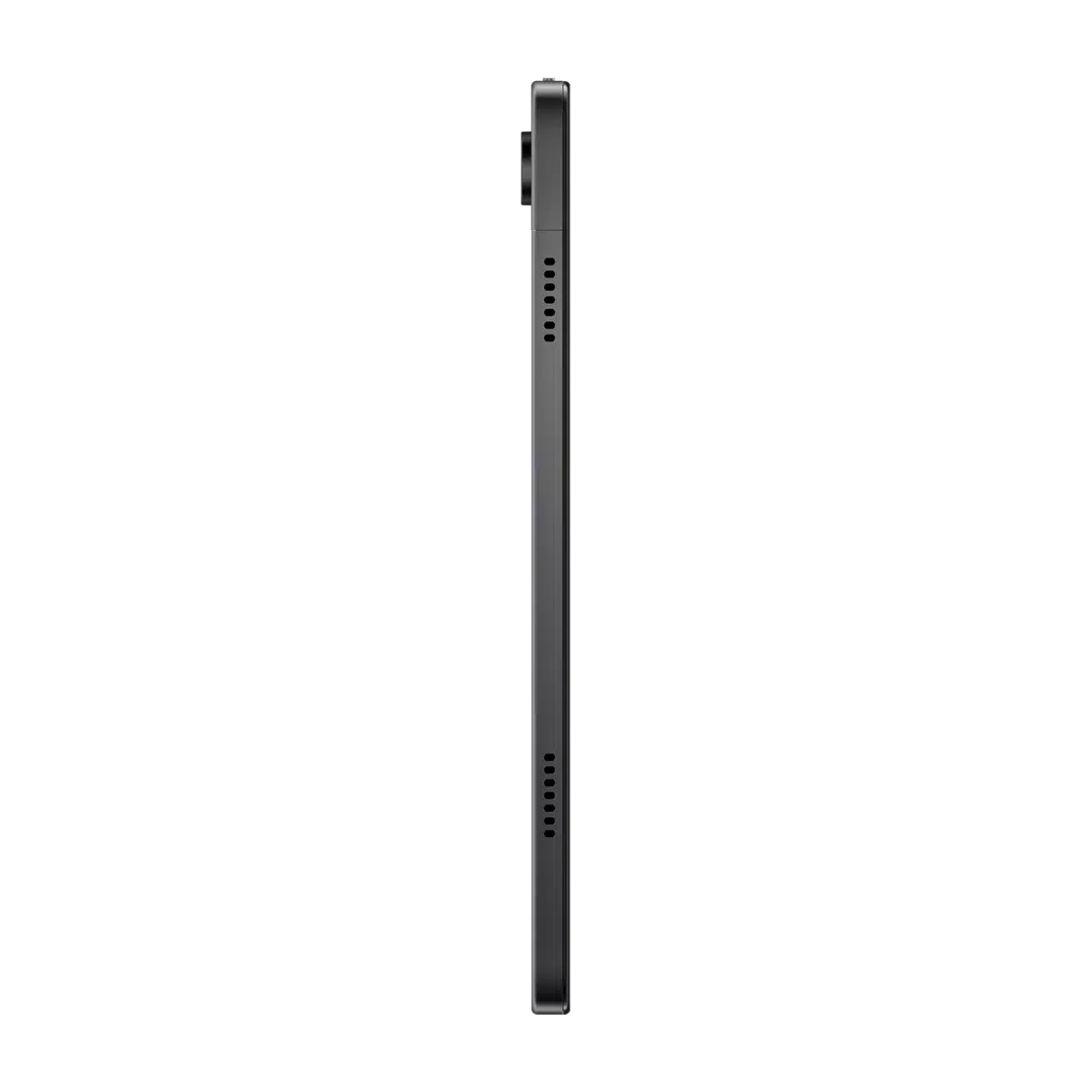
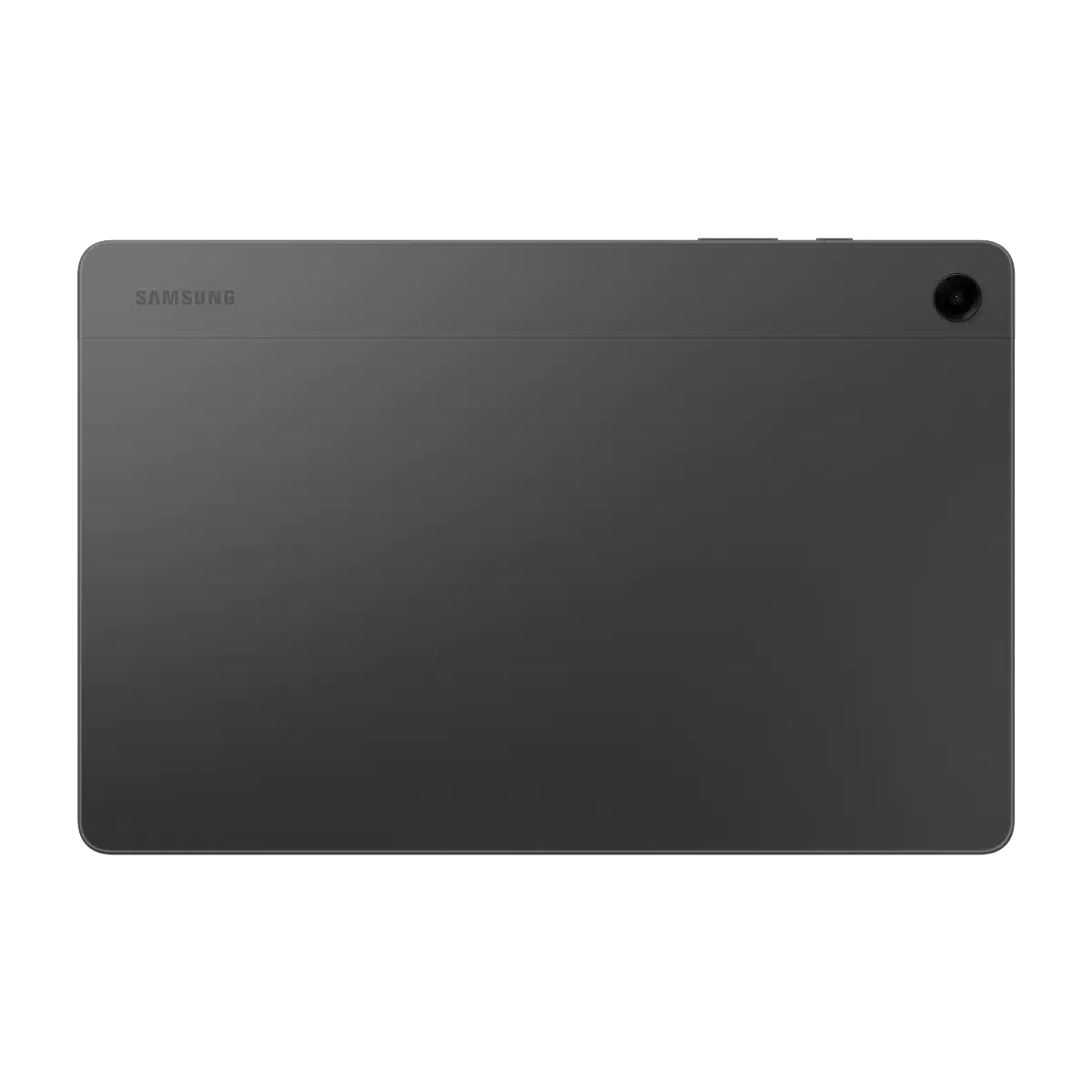
Samsung Galaxy Tab A9+
EUR 59,16
Price for 4 days rental (minimum period)
EUR 7,40 Price per day after 4 days rental
Go digital with registration, surveys, and course materials using the Samsung Galaxy Tab A9+. The easy-to-view 11" screen is convenient when registering guests, having participants answer questions, or allowing employees to access documents on the go.
- 11" screen with plenty of space for forms, programs, and presentations.
- Wi-Fi and the option for internet via LTE with an active SIM card.
- Four speakers with Dolby Atmos for videos and educational clips.
- 3.5 mm headphone jack for individual listening assignments.
Rent the number of tablets your event requires. That way, you can equip a registration desk or an entire class without having to purchase devices that you’ll then have to store and maintain.
Browse our selection of tablets for rent and explore your options for a data plan to connect to the internet. We can also help you set up the devices and arrange delivery to your event. Tell us about your project, and we’ll find the right solution for you.
-
 Qualcomm Snapdr...
-
 256 GB...
-
 11" TFT...
-
 1920 × 1200 pi...
Rent a Samsung Galaxy Tab A9+ for registration, surveys, and courses
Guests must check in at the entrance. In the classroom, participants must open the day’s materials. At the exhibition booth, visitors must be able to complete a short questionnaire. The Samsung Galaxy Tab A9+ is a practical choice for tasks like these, where a tablet makes it easy to read, tap, and move on.
With an 11-inch screen, you get more workspace than on a phone, and the device is easy to move between desks, rooms, and employees. If you're looking for a different size or platform, you can compare our tablets available for rent.
One tablet—multiple roles throughout the event
A registration counter without piles of paper
Use the Galaxy Tab A9+ to look up attendees, check registrations, or let visitors enter their information in a suitable app or web form. The screen provides space for clearly labeled fields and buttons, so registration can take place directly on the device.
If multiple employees are needed to check in guests, each person can work from their own tablet. This requires that the check-in solution support simultaneous access and that the connection be configured for the number of devices.
Collect feedback while the experience is still fresh
A short questionnaire can be placed at the exit of a course, a product demonstration, or a conference. This allows participants to answer questions before they leave the event, rather than having to find an email later.
The tablet can also be used for staffed interviews and user surveys. For unstaffed use, you should arrange for a stand, access restrictions, and an app that can start a new response after each participant.
Provide the course participants with the material directly on the screen
Provide a tablet with access to the program, instructions, and assignments. This allows you to consolidate the materials in one place and edit the content centrally, if your chosen platform supports it.
The built-in 3.5 mm headphone jack is convenient for individual video exercises. Participants can use compatible headphones, while the four built-in speakers can be used when audio needs to be played openly.
Wi-Fi at home or LTE on the go
Select the connection based on the location
At the office or in a classroom, the Galaxy Tab A9+ can connect to an available Wi-Fi network. With LTE and an active SIM card, you can use the cellular network when there is no suitable Wi-Fi connection.
This is relevant for pop-up activities, outreach surveys, and events held at different locations. Consider renting a data plan along with the tablet. Coverage and capacity depend on the local cellular network, and data requirements should be calculated based on the apps and materials you’ll be using.
Rent for the whole team instead of buying for just one day
Match the number of units to the number of participants
You may need two tablets at the entrance or one device per participant. Renting allows you to plan based on the size of the event without having to build up a stock of tablets for occasional use.
When the equipment is returned, you also don’t have to find a place to store it or keep it ready for the next event. This makes renting a practical option for recurring activities with varying numbers of participants.
Use the preparation to focus on the content and the participants
A tablet is only useful when it opens the right content. Therefore, make sure to clarify links, apps, logins, and network settings before distribution. If multiple devices are to be used in the same way, it’s a good idea to test the entire process in advance—from startup to completing registration or answering questions.
Read about our installation and setup assistance, and let us know how the devices will be used. Any app licenses and subscriptions will be arranged separately.
Key Facts About the Galaxy Tab A9+
- Display: 11" TFT with 1920 × 1200 pixels.
- Refresh rate: Up to 90 Hz.
- Connectivity: Wi-Fi and LTE on the cellular model.
- Audio: Four speakers with Dolby Atmos.
- Headphones: 3.5 mm stereo jack.
- Charging and data: USB-C.
- Operating system: Android.
- Storage expansion: microSD card.
What should participants be able to do on the tablet?
Please send us the number of devices, the dates, and a brief description of the assignment. Will participants need to register, watch a video, or fill out a questionnaire? This will help us clarify the setup and connection requirements. You can read about equipment delivery and pickup or get a quote for renting the Samsung Galaxy Tab A9+.
| Mærke | Samsung |
| Model | Samsung Galaxy Tab A9+ Wi-Fi + LTE |
| Processor | Qualcomm Snapdragon 695 5G processor with 8 cores |
| Harddisk | 256 GB |
| Skærm | 11" TFT |
| Opløsning | 1920 × 1200 pixels |